Image Fx Free AI Image Generator
Create and edit high-quality images with Image Fx: text to image, reference-based edits, and up to 4K output.
Explore image effects
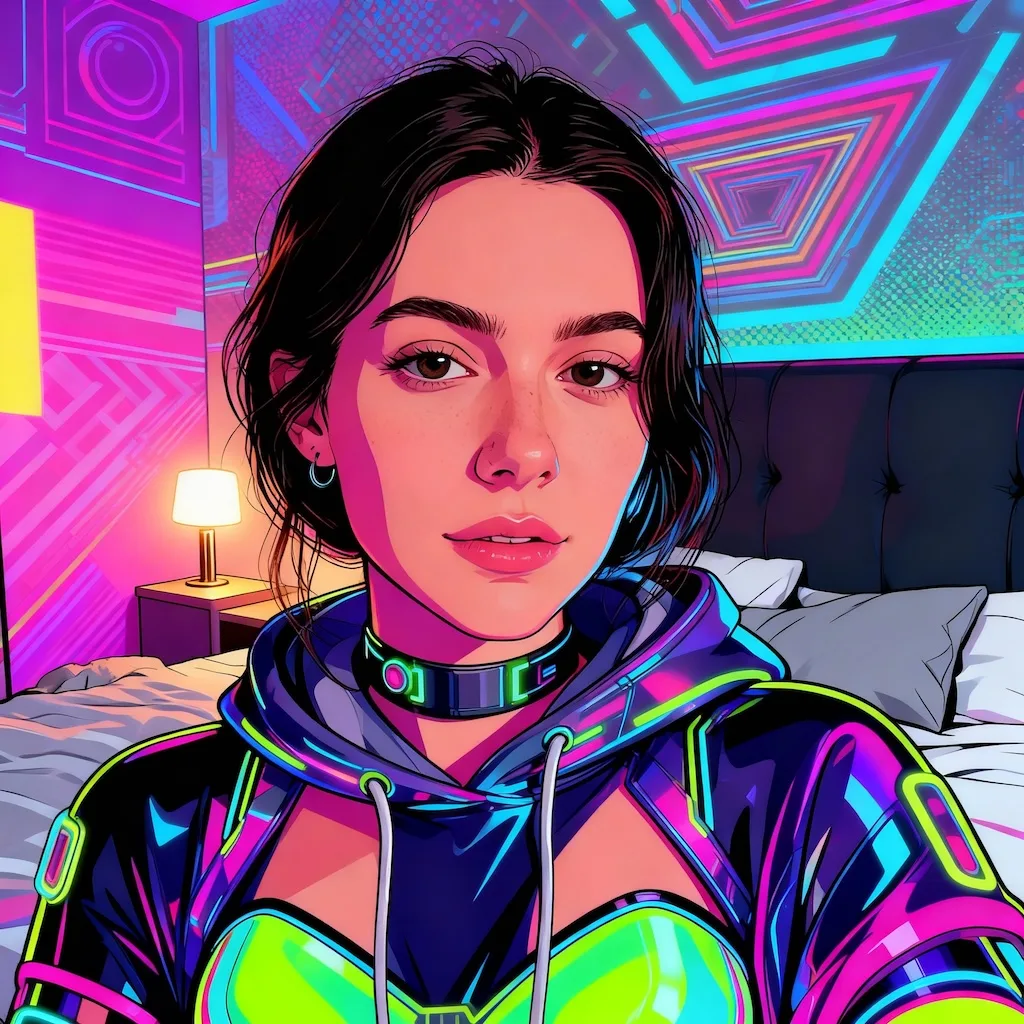
ChatGPT Caricature
Take the uploaded photo as reference and generate a fun, high-quality caricature portrait of the person that: - Preserves the person's facial identity so they are easily recognizable, while artistically exaggerating key facial features in a dynamic cartoon style - Reflects the person's profession/job by including relevant props, tools, and environment that visually communicate their work - Shows an expressive pose and realistic emotion, such as energetic excitement, calm serenity, mischievous confidence, or dramatic theatrical expression - Uses bright, vibrant colors, bold outlines, dynamic composition, high-contrast shading, and a cohesive profession-themed background - Keeps portrait orientation, high detail, and balanced composition that highlights both personality and profession - Applies one or a mix of artistic styles appropriate to the concept: bright social-media cartoon, hand-drawn whimsical cartoon, cinematic 3D render, street-art/graffiti inspired, vintage comic, or meme-ready expressive caricature - No text, watermark, logo, or extra unrelated elements
What will you make with Image Fx?
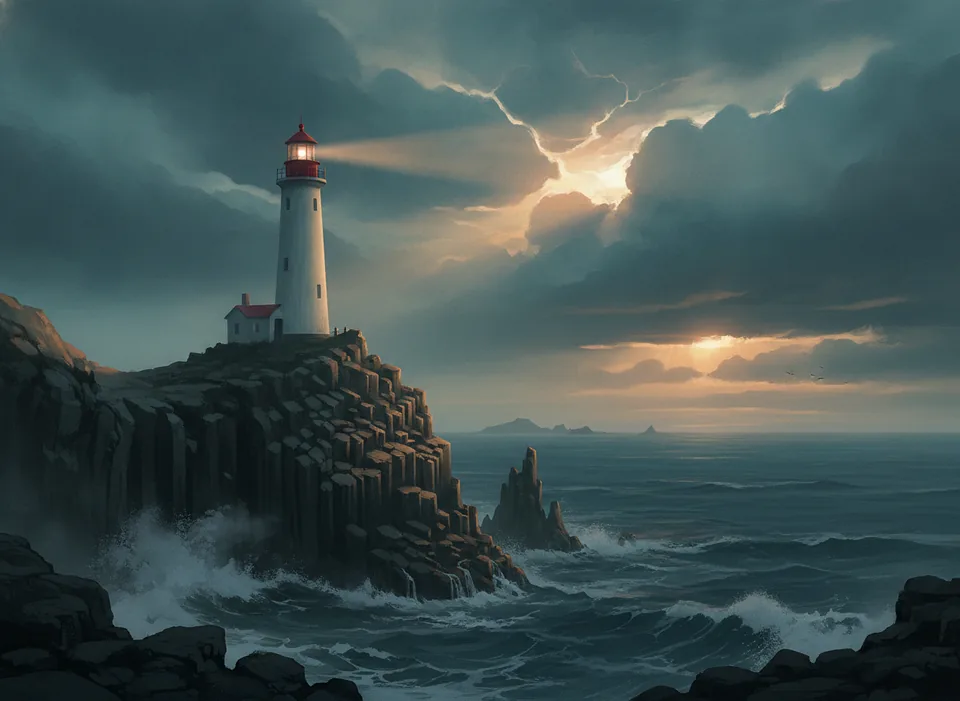 Create imagesText to image with any model
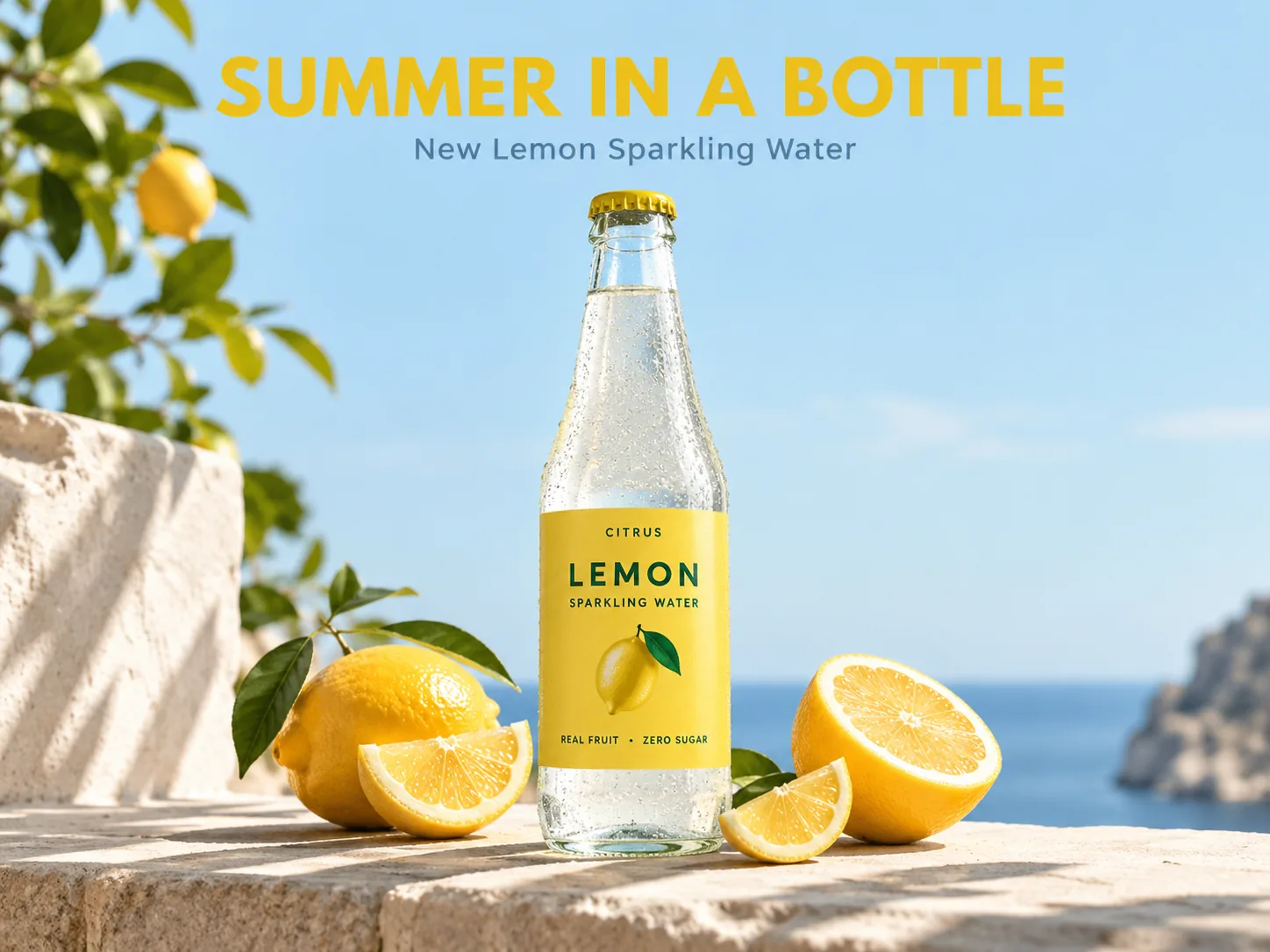 Posters with textGPT Image 2.5 · readable headlines
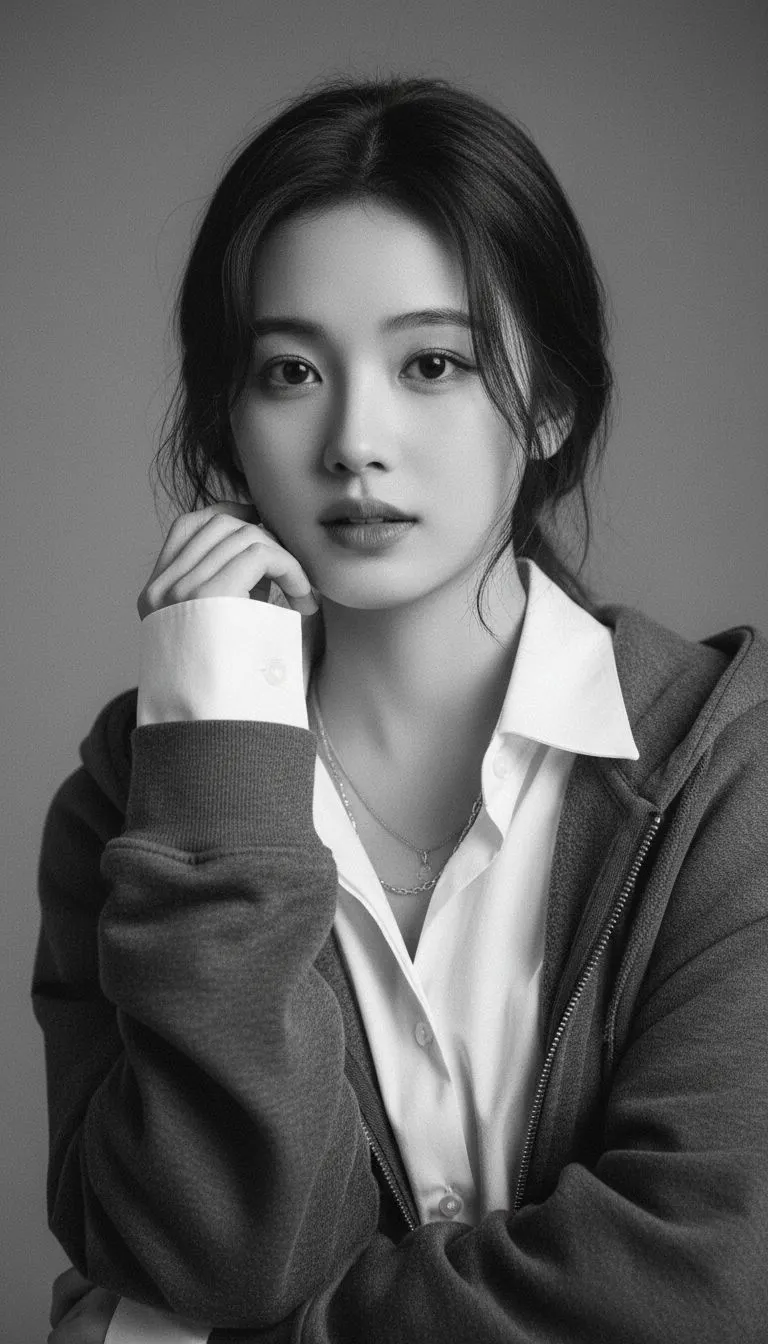
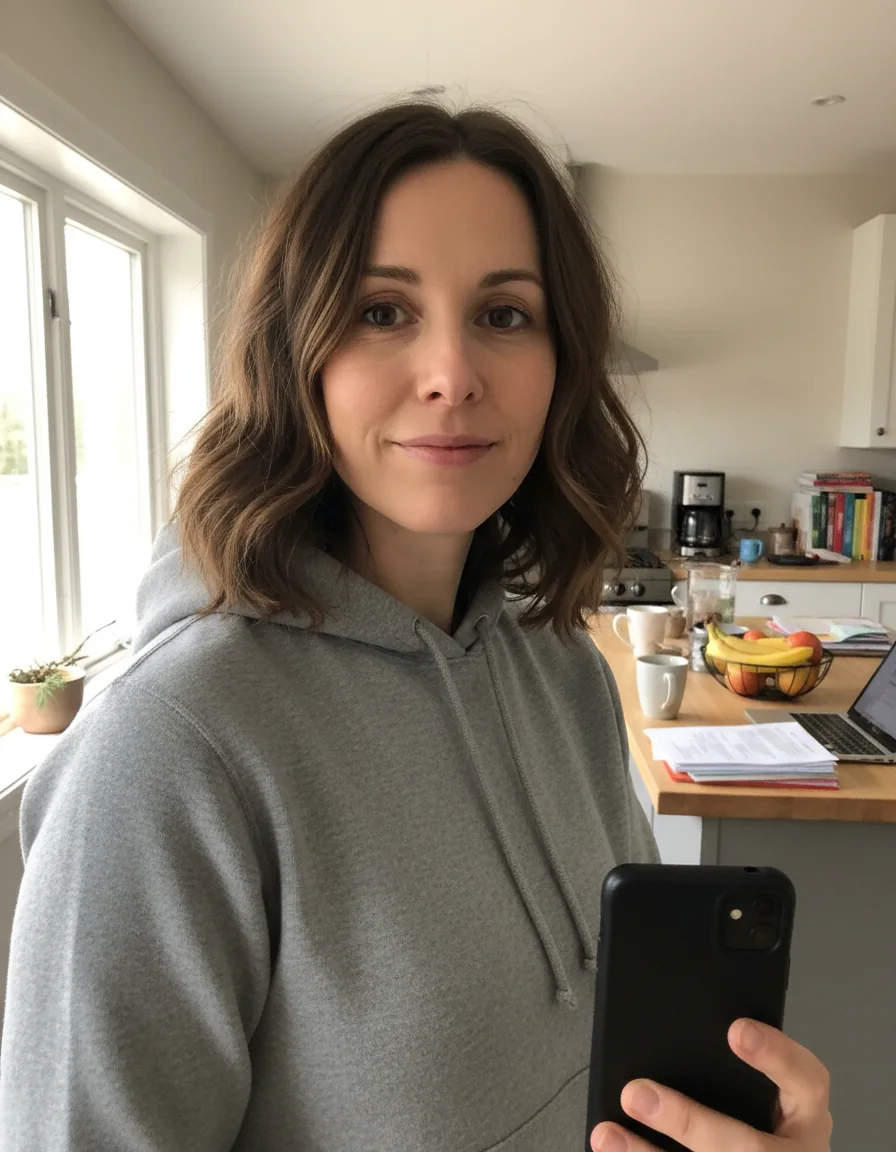
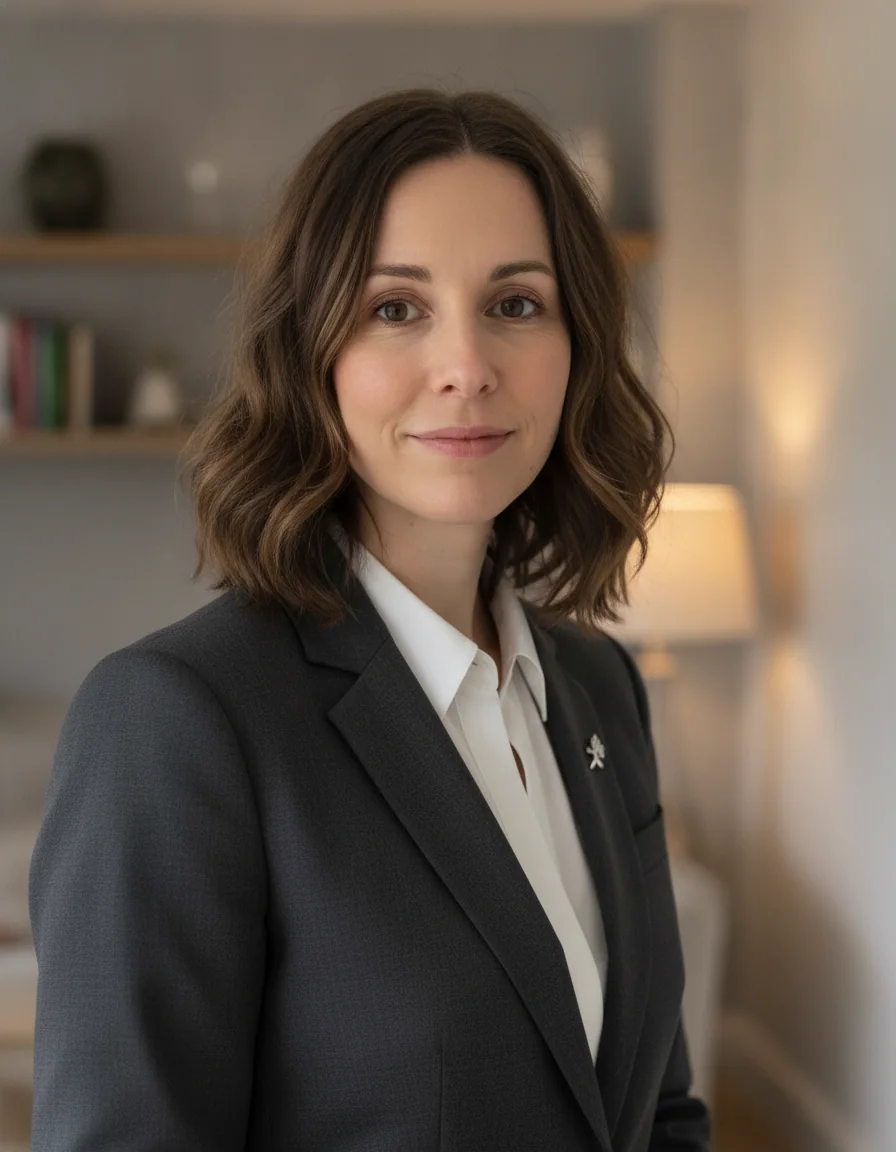 AI headshotsFrom a casual photo
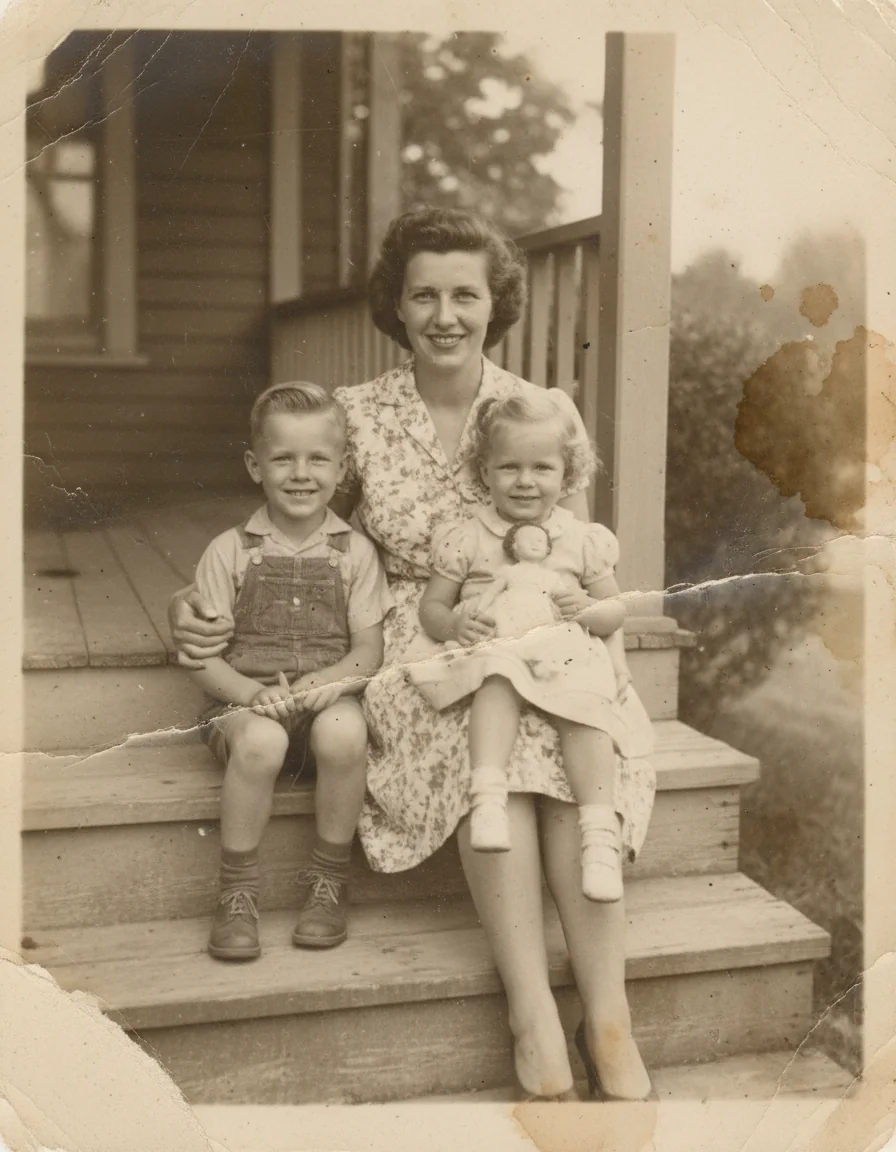
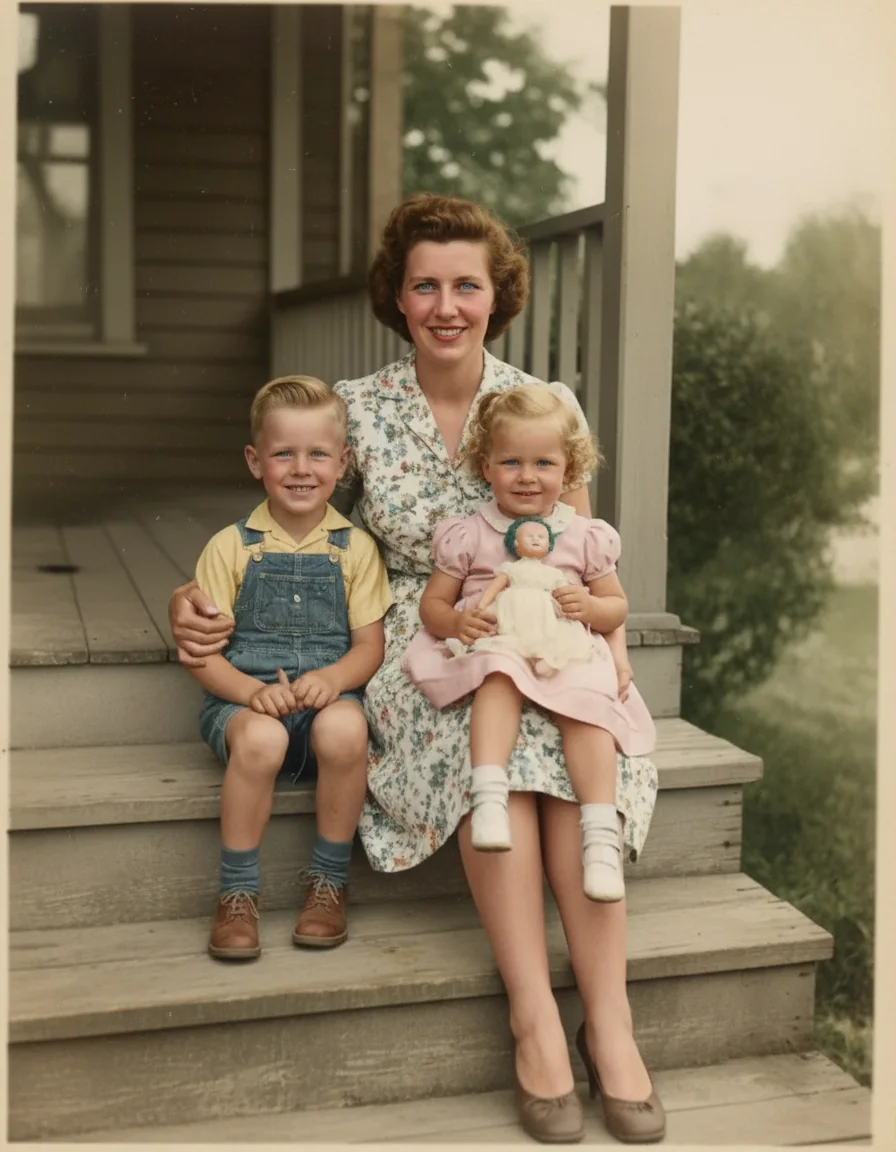 Restore old photosRepair damage, bring back color
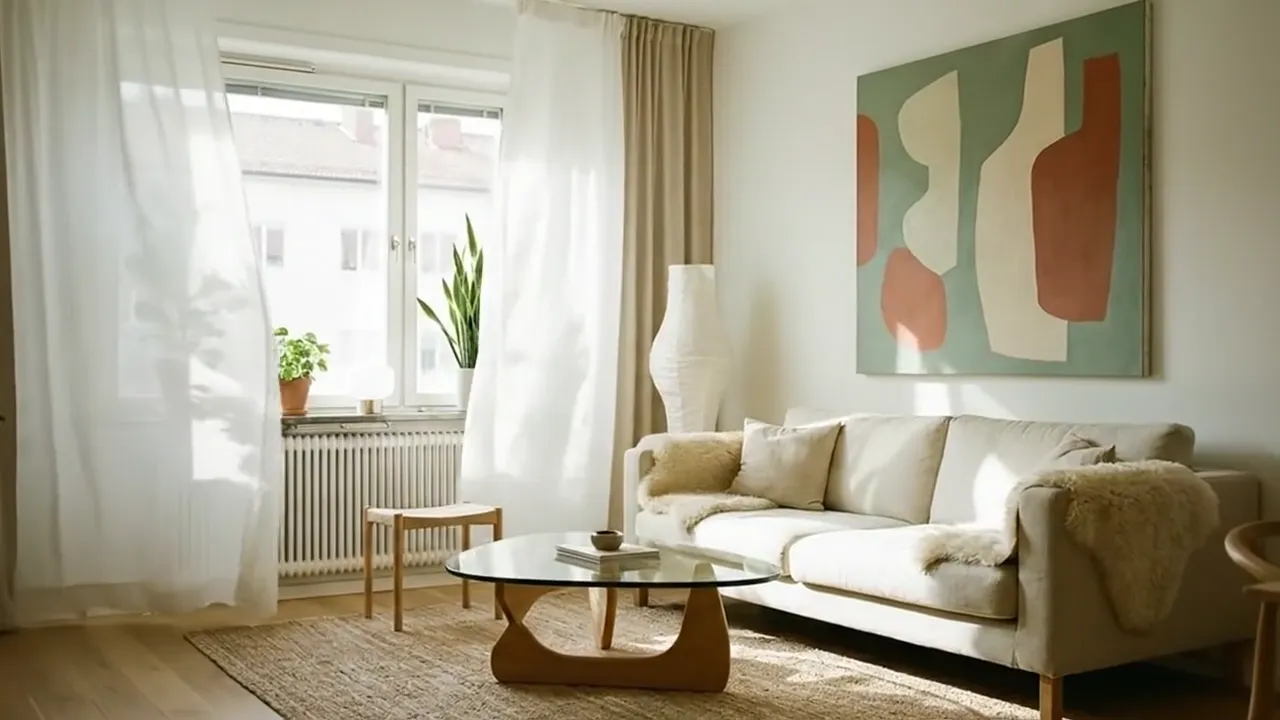 Image to videoVideoBring a still photo to life
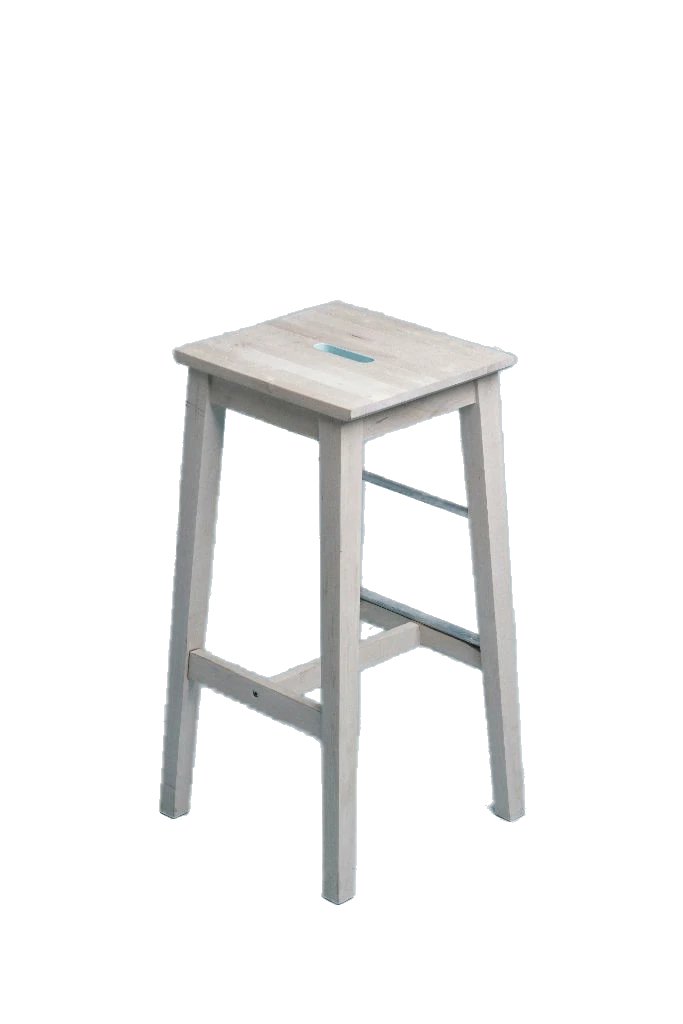 Remove backgroundFree tool · clean cutouts
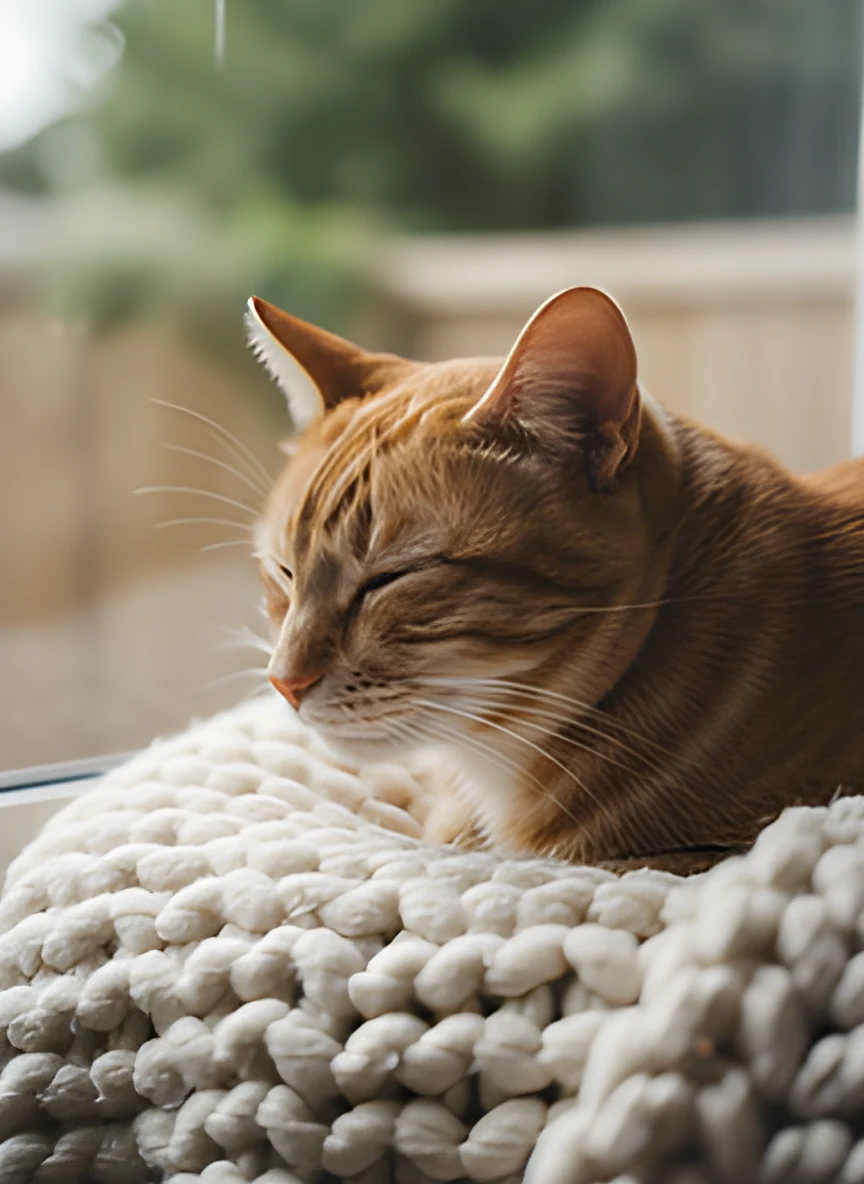 AI image upscalerFree tool · sharper, bigger photos
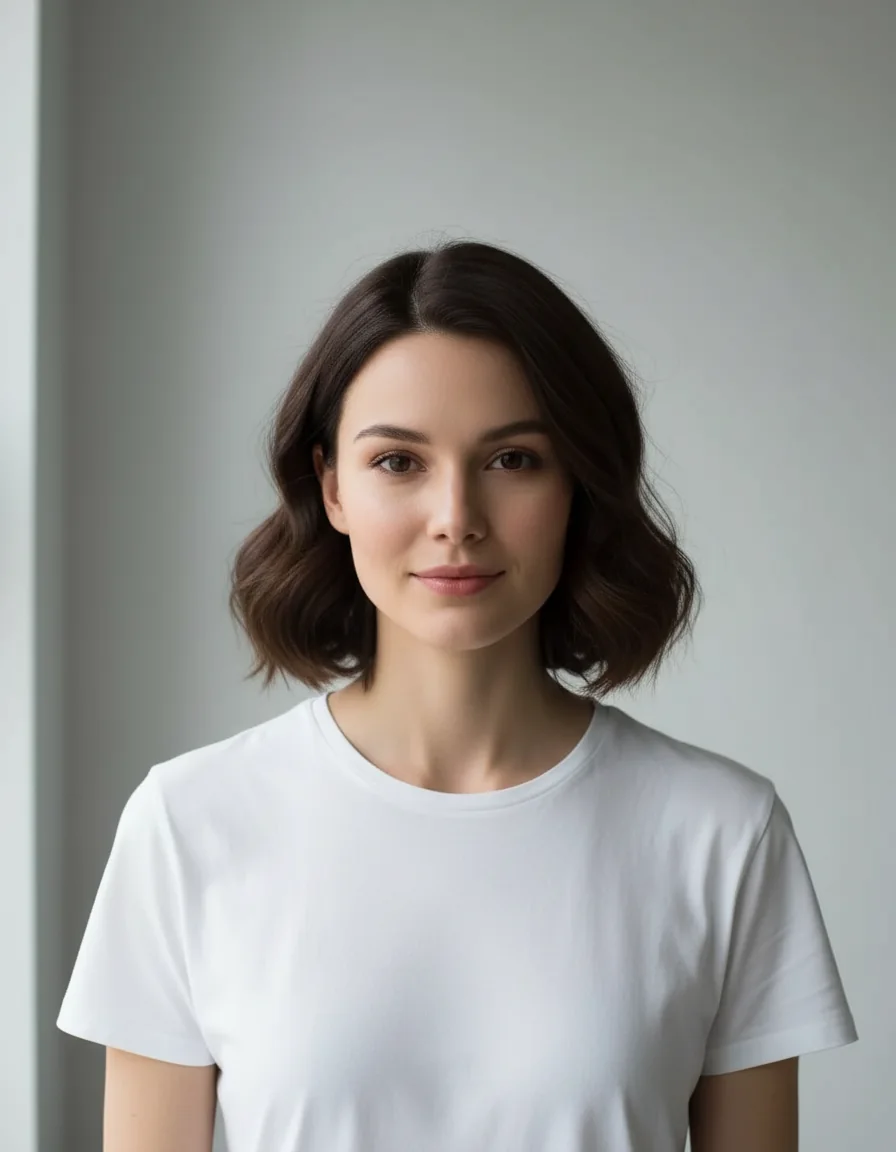 Gender swapSwap genders in one click
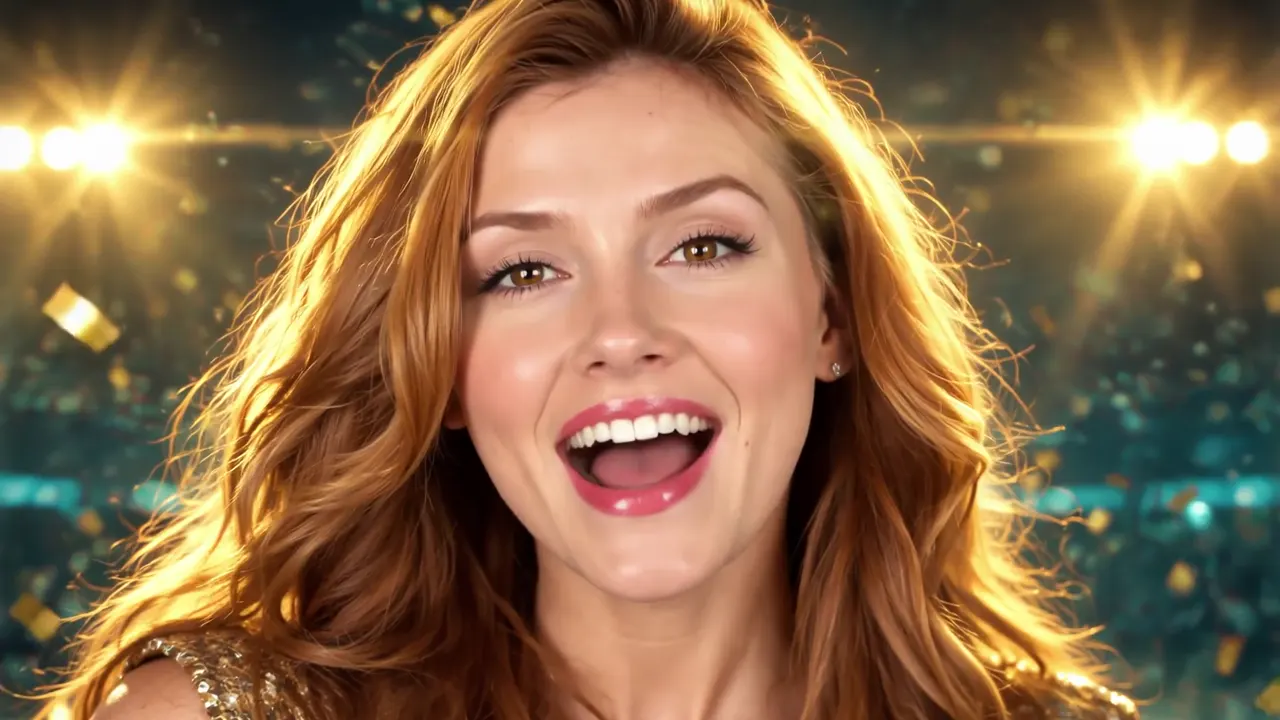
Make your image the star of a music video
Add a song. Create your own music video for free.
Why Image Fx
What you can do with Image Fx
Image Fx turns text into images with your choice of AI models. Describe your idea, pick a model and settings, then download the result.
Text to image
Describe a scene in plain words and get an image in the style you want, from photos to illustrations.
Pick your model
Choose the model that fits the job. Features and credit costs vary by model.
Simple controls
Download, share or copy the prompt of any image in one click.
Free credits
Sign in to get free credits and start creating right away.
Fast results
Get your images in seconds with Image Fx.
Explore styles
Try new prompts and styles to find your look. Available options depend on the model you pick.
Models
Compare models before you spend a credit
Popular AI image models side by side: what each one does best, how large it renders and what it costs per image.
| Model | Best for | Output | Credits per image | Try it |
|---|---|---|---|---|
 Image FxFree Image FxFreeEveryday images on free daily credits 1 works with free credits | Everyday images on free daily credits | Standard | 1works with free credits | Try it |
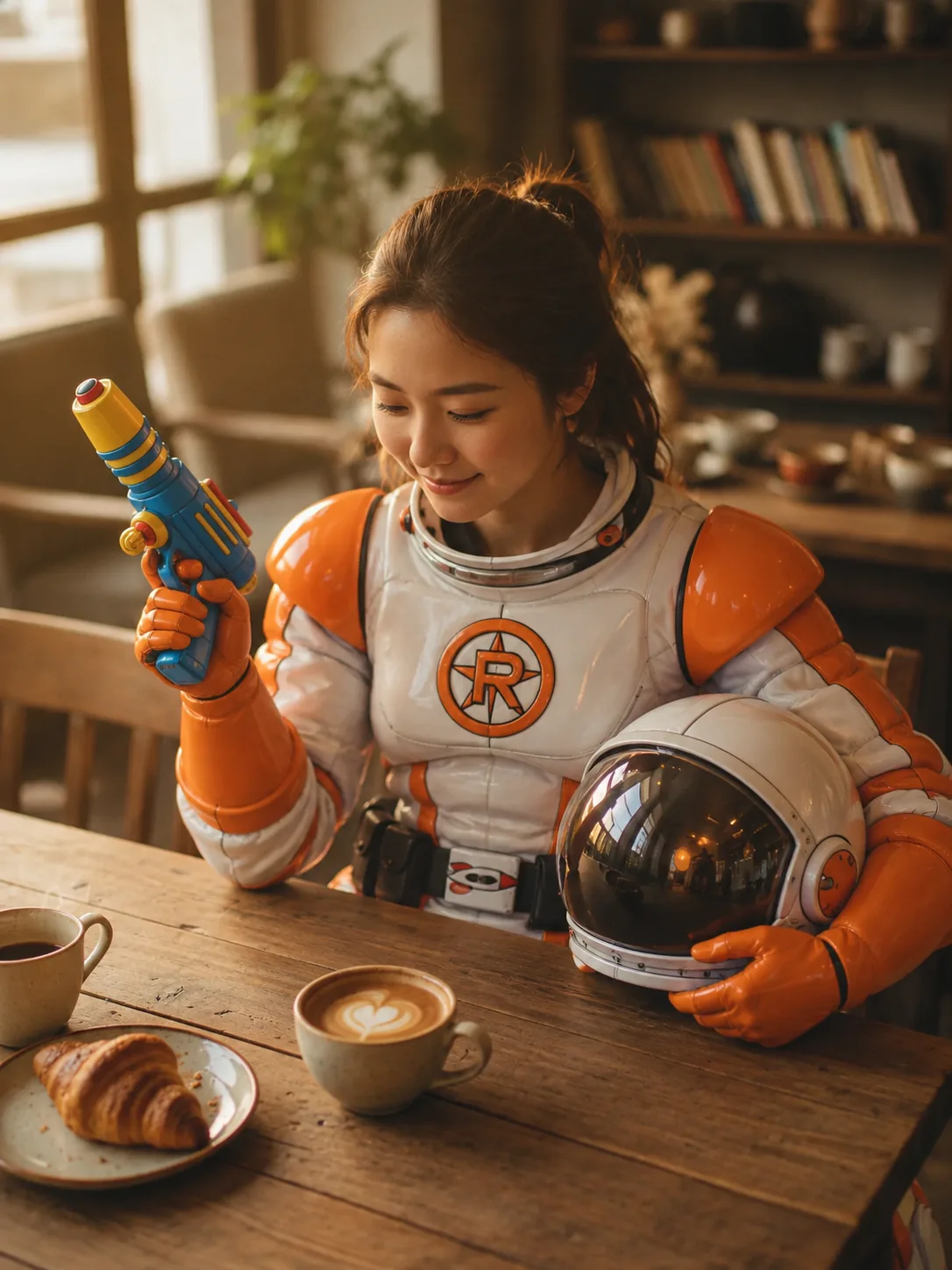 GPT Image 2.5New GPT Image 2.5NewText in images, precise edits 6 – 16 varies by resolution | Text in images, precise edits | 1K – 4K | 6 – 16varies by resolution | Try it |
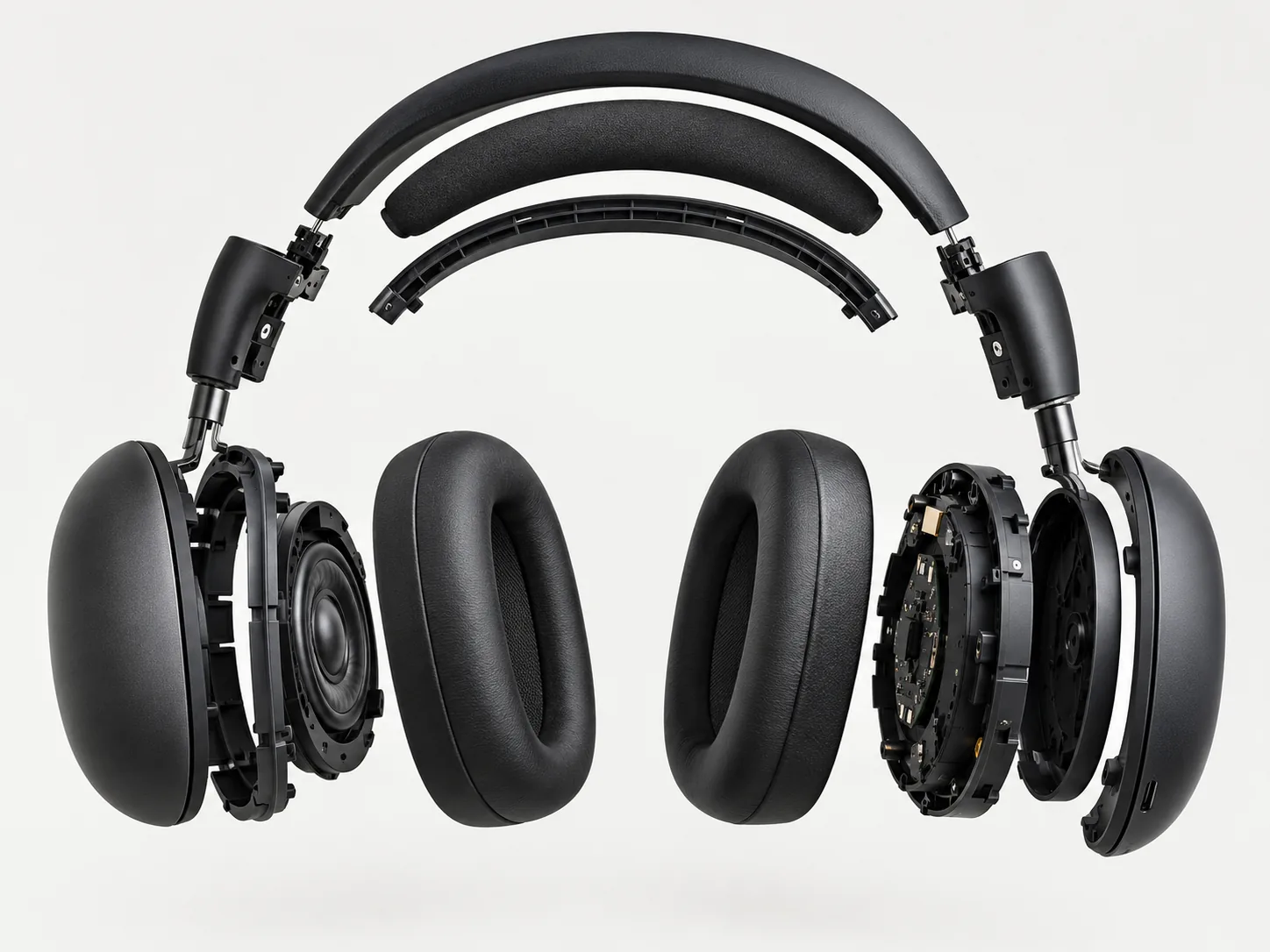 GPT Image 2 GPT Image 2Fast drafts at a low cost 2 – 13 varies by resolution | Fast drafts at a low cost | 1K – 4K | 2 – 13varies by resolution | Try it |
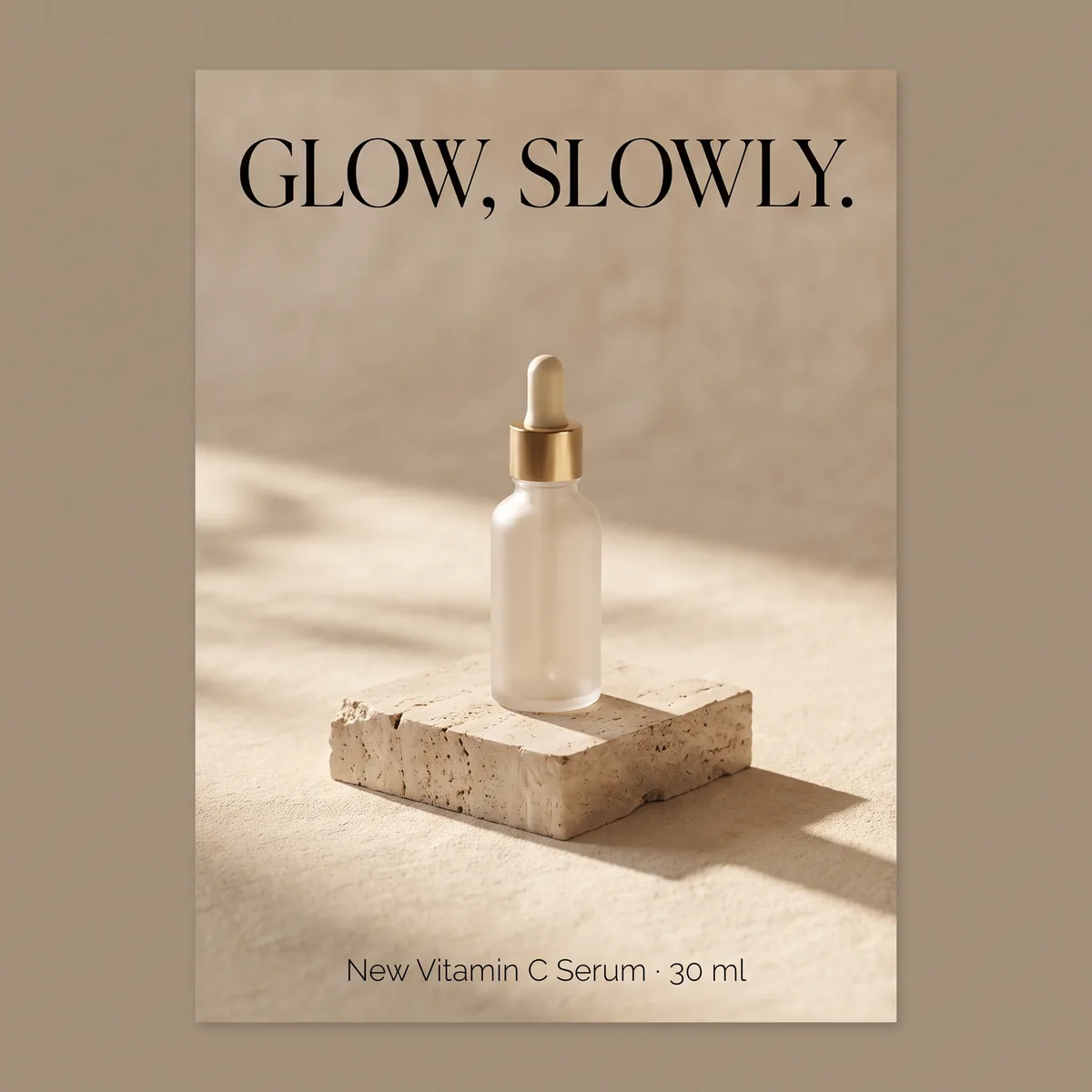 Nano Banana Pro Nano Banana ProConsistent faces and products 15 – 30 varies by resolution | Consistent faces and products | 1K – 4K | 15 – 30varies by resolution | Try it |
 Nano Banana 2 Nano Banana 2Balanced quality and cost 6 – 18 varies by resolution | Balanced quality and cost | 1K – 4K | 6 – 18varies by resolution | Try it |
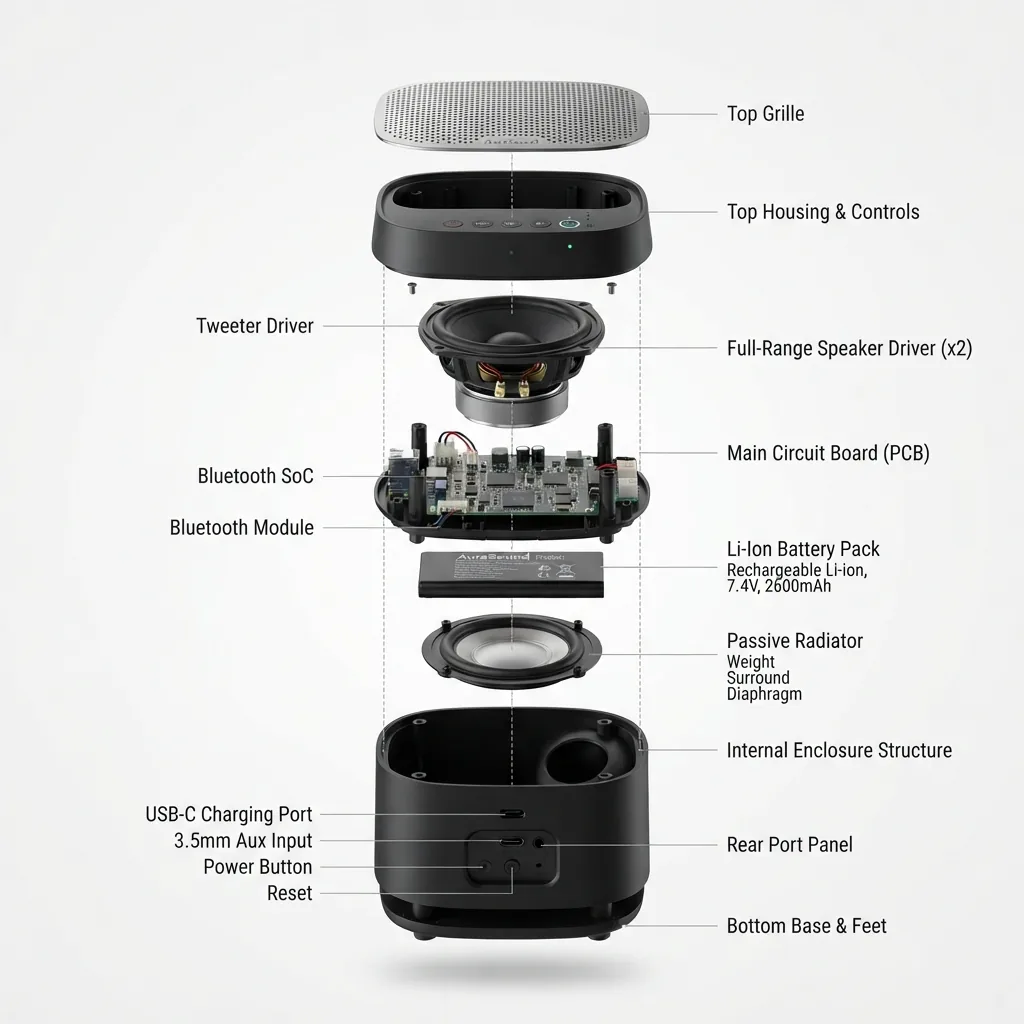 Nano Banana 2 Lite Nano Banana 2 LiteQuick ideas at a flat price 3 flat price | Quick ideas at a flat price | Standard | 3flat price | Try it |
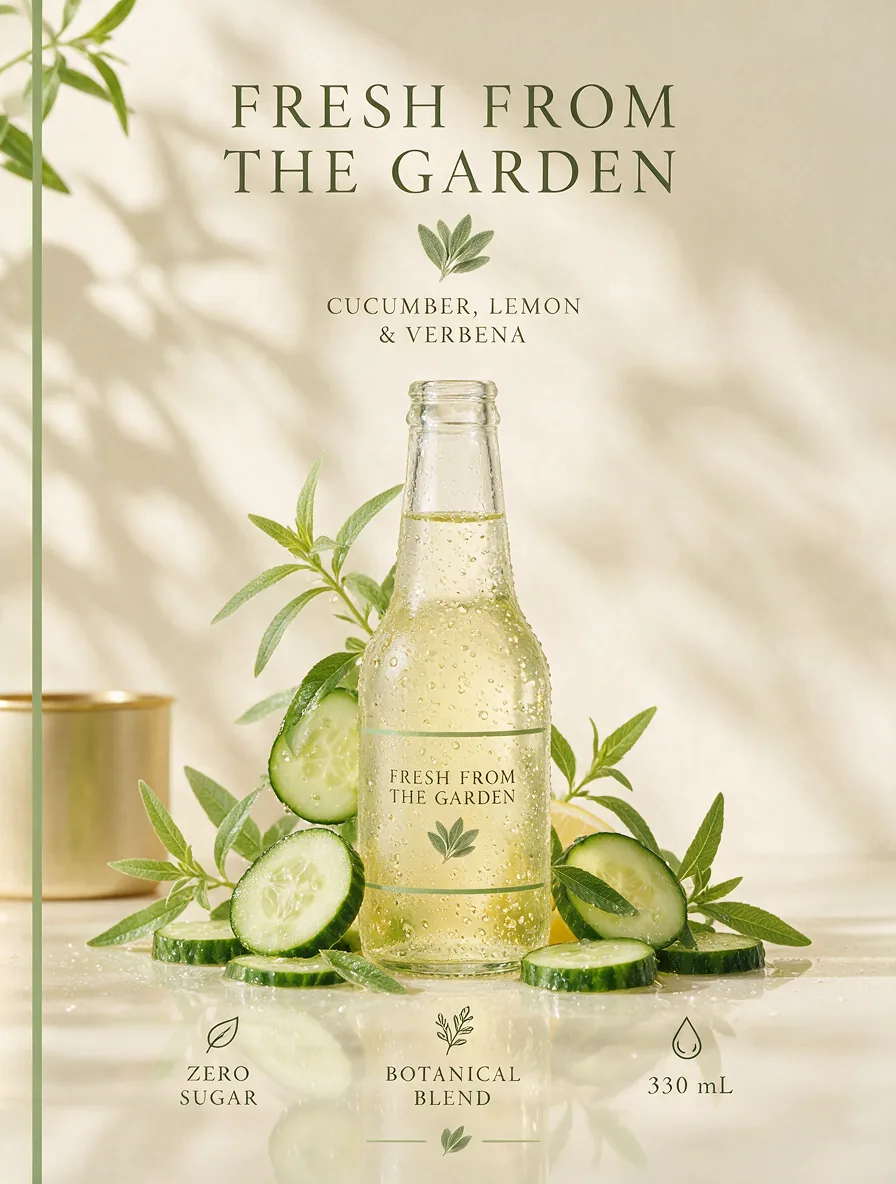 Seedream 5 Pro Seedream 5 ProPhotoreal detail from several reference images 14 – 28 +2 per reference image | Photoreal detail from several reference images | 1K – 2K | 14 – 28+2 per reference image | Try it |
Effects
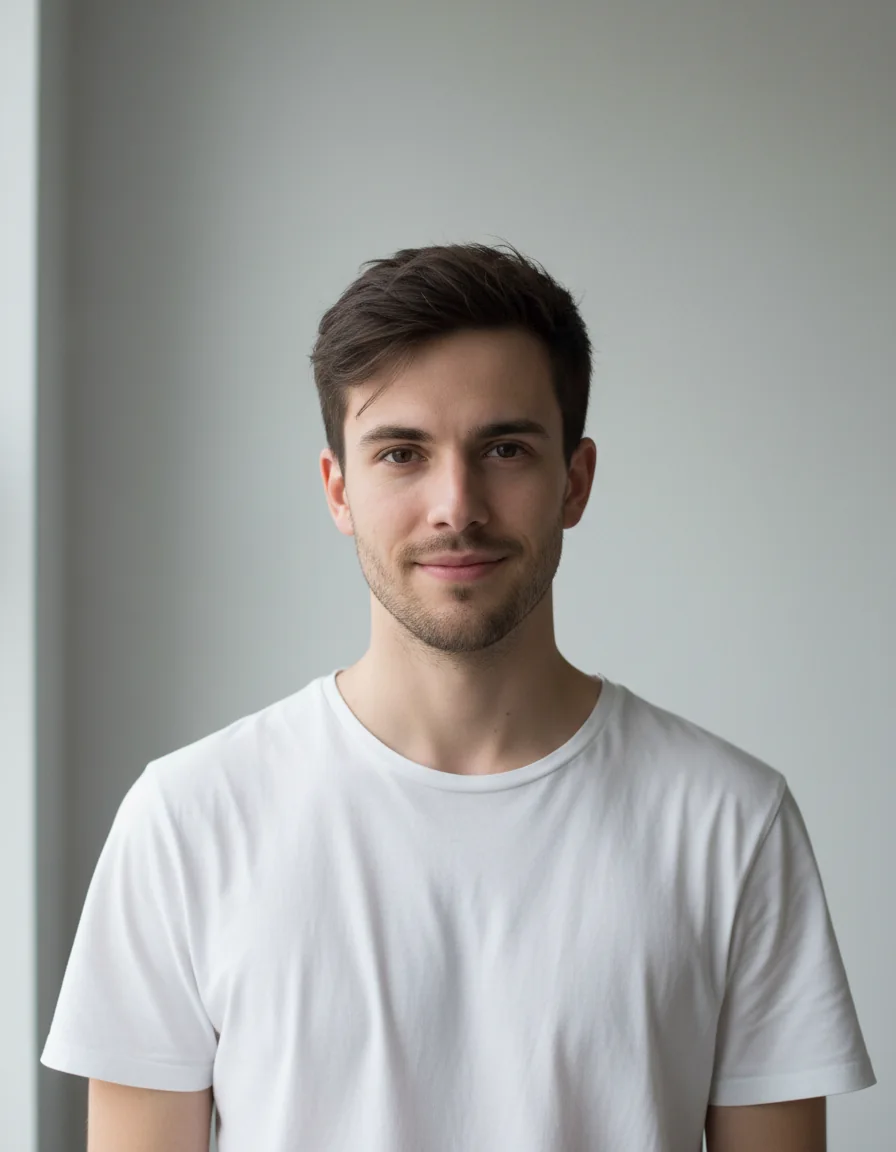
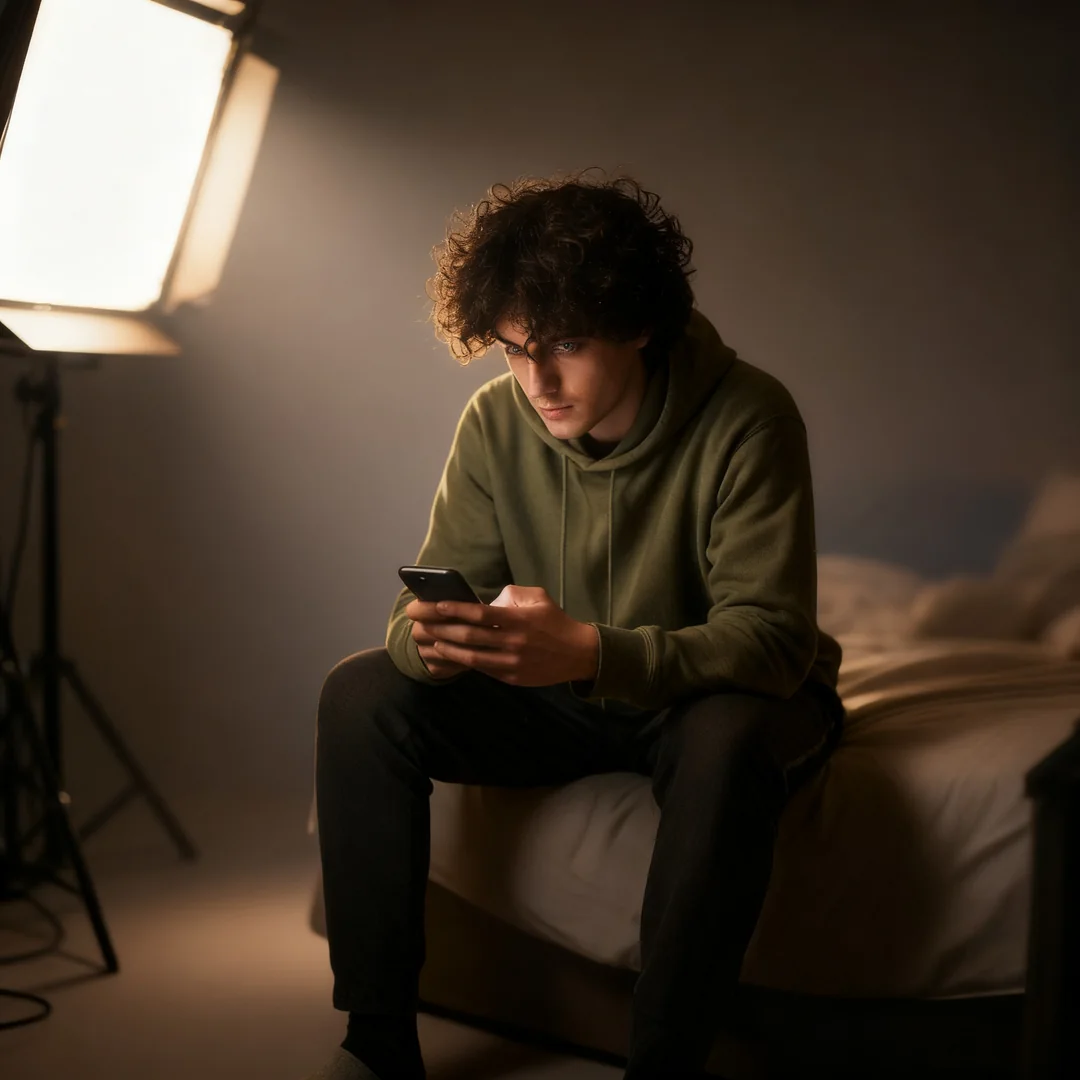
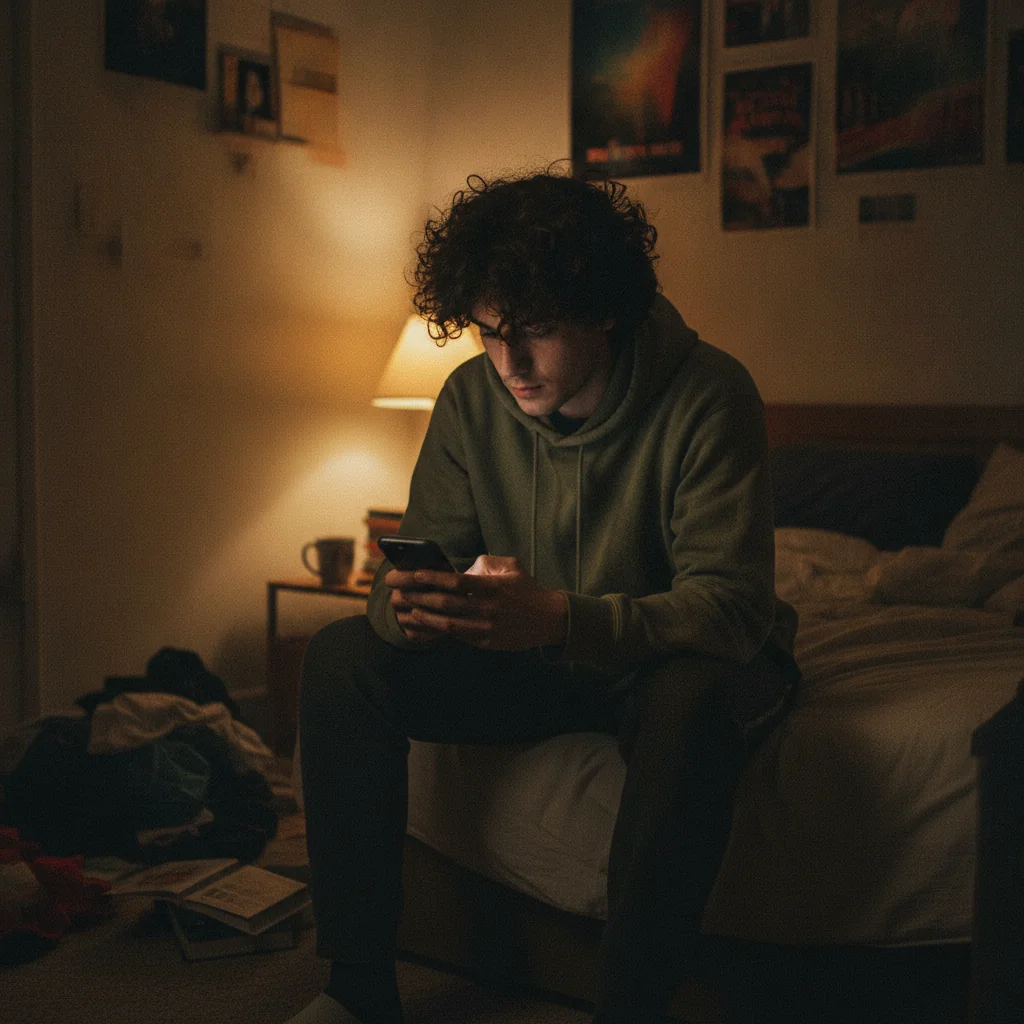
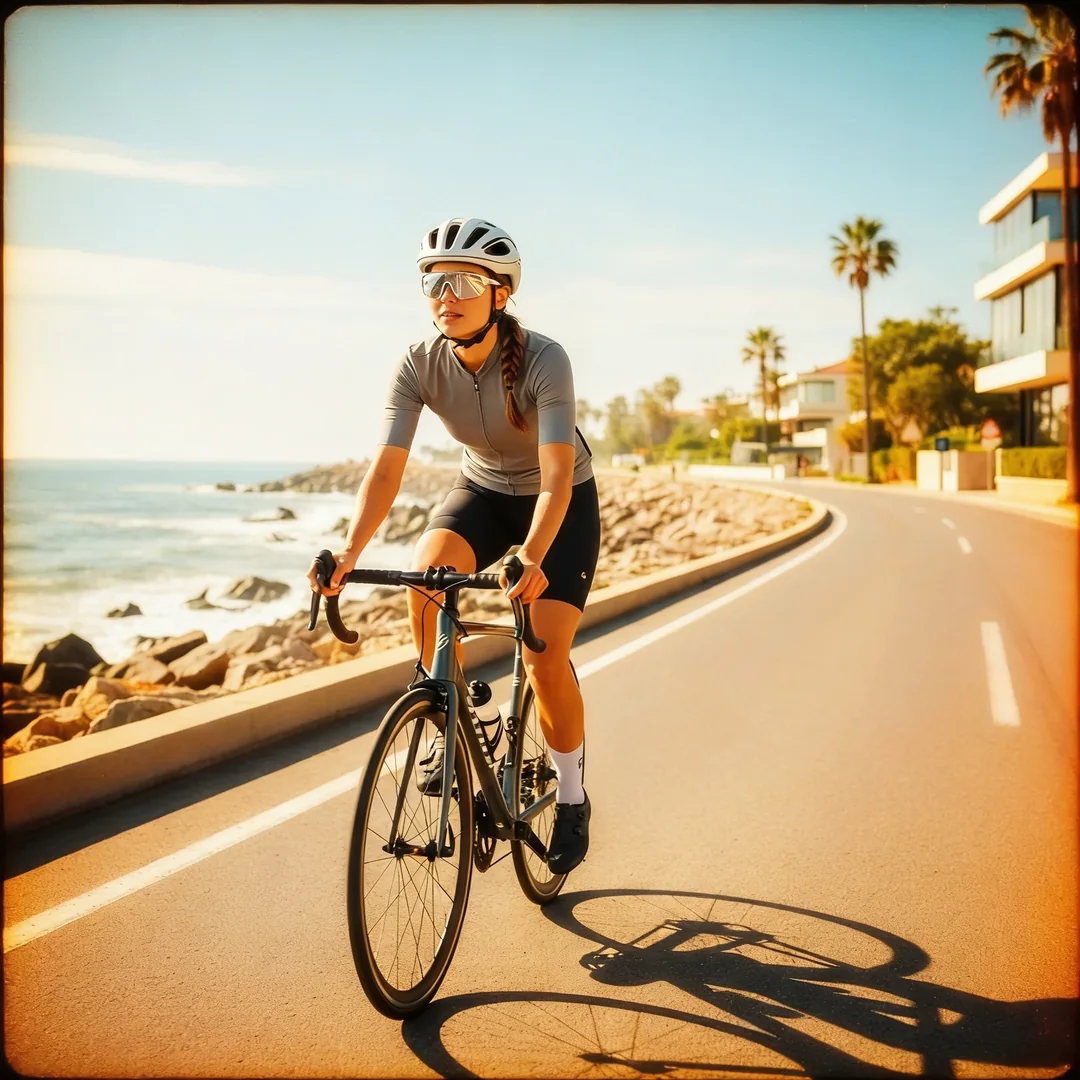
One-click photo effects
Upload a photo and pick an effect. No prompt needed.


3 simple steps
How Image Fx works
Getting started with Image Fx takes three steps.
- 01
Describe your image
Tell the AI what you want in plain words, or add a reference image.
Try the AI image generator - 02
Let the AI create it
Our AI creates it for you in seconds, powered by the Image Fx AI Image Generator.
- 03
Download and share
Save the image, share it or copy the prompt to use again.
Start free. Pay only for what you create.
One credit balance works across every model and effect.
See pricingFree
10 credits
When you sign up, plus 10 more each day you check in, up to 30.
Subscription
From $4.9 / month
Billed yearly.
Credit packs
From $17.9
200 credits, one-time payment. No subscription.
Frequently asked questions
Answers to common questions about Image Fx, credits and your images.
Yes. Sign in to get free credits and start generating. Each image uses credits, and the cost depends on the model and settings you choose.
Not at all. Image Fx works for everyone, from first-timers to professional designers. Type what you want to see and the AI does the rest.
Almost anything you can describe: landscapes, portraits, product shots, posters, abstract art and illustrations. Image Fx handles a wide range of styles.
You do. Images you create with a paid plan or purchased credits can be used in personal and commercial projects. Images made on the Free plan are for personal, non-commercial use.
Yes. Download any image and open it in tools like Photoshop or Illustrator to keep editing. You can also share it or copy its prompt.
It depends on your credits. Each image costs a set number of credits, based on the model and settings you pick.
Image Fx generates most images in seconds. You can also create several variations of a prompt at once to compare ideas quickly.
Sign in to claim your free credits, type a prompt, pick a model and settings, then click Create.
Ready to create your first image?
Join thousands of creators making professional-quality images with Image Fx.
Sign in to claim free credits.
Free credits on sign-up